- The Cada Global Newsletter
- Posts
- NotebookLM: AI That Only Reads What You Give It | Cada Global Newsletter - May 2026
NotebookLM: AI That Only Reads What You Give It | Cada Global Newsletter - May 2026
Monthly insights for business leaders and SME owners, covering strategy, risk management, and the tools we build.

Dave Adamson
May 04, 2026


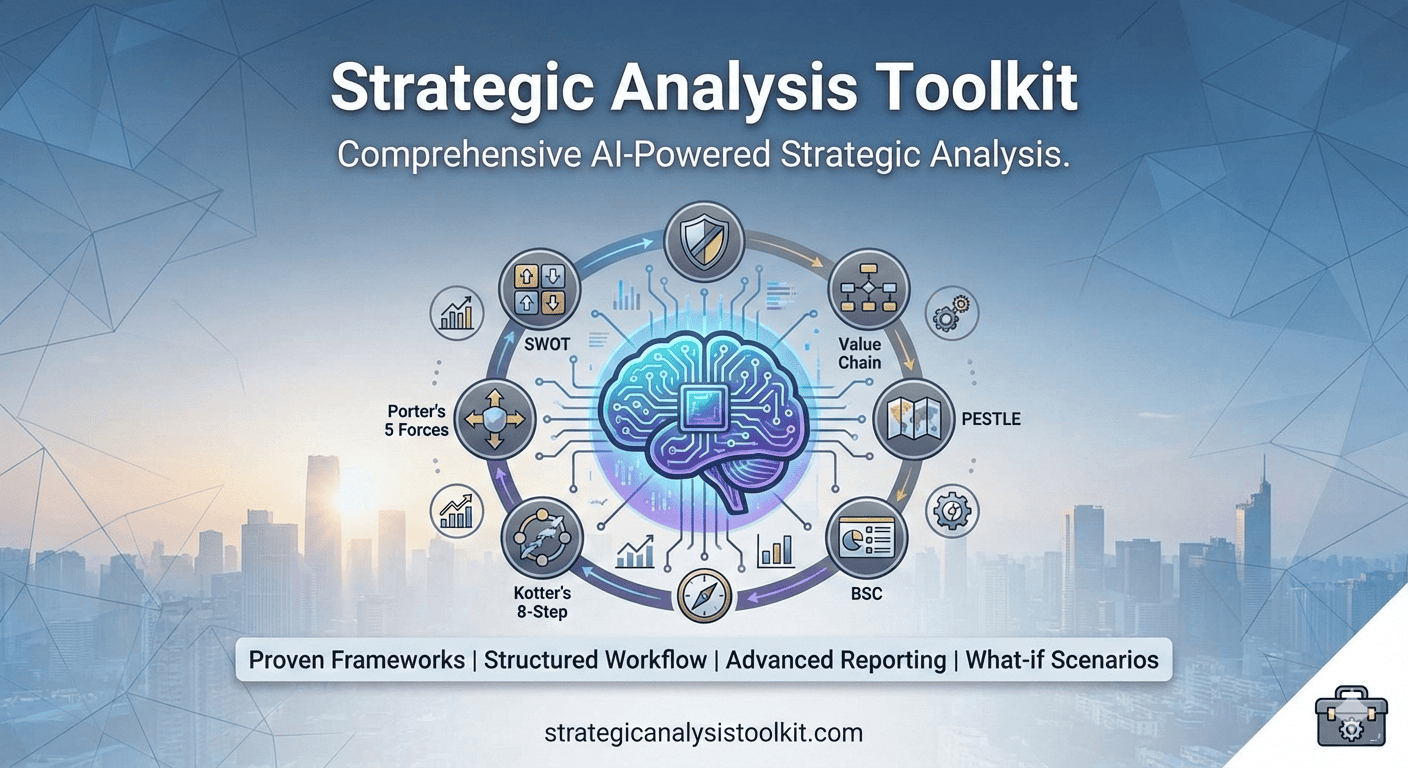
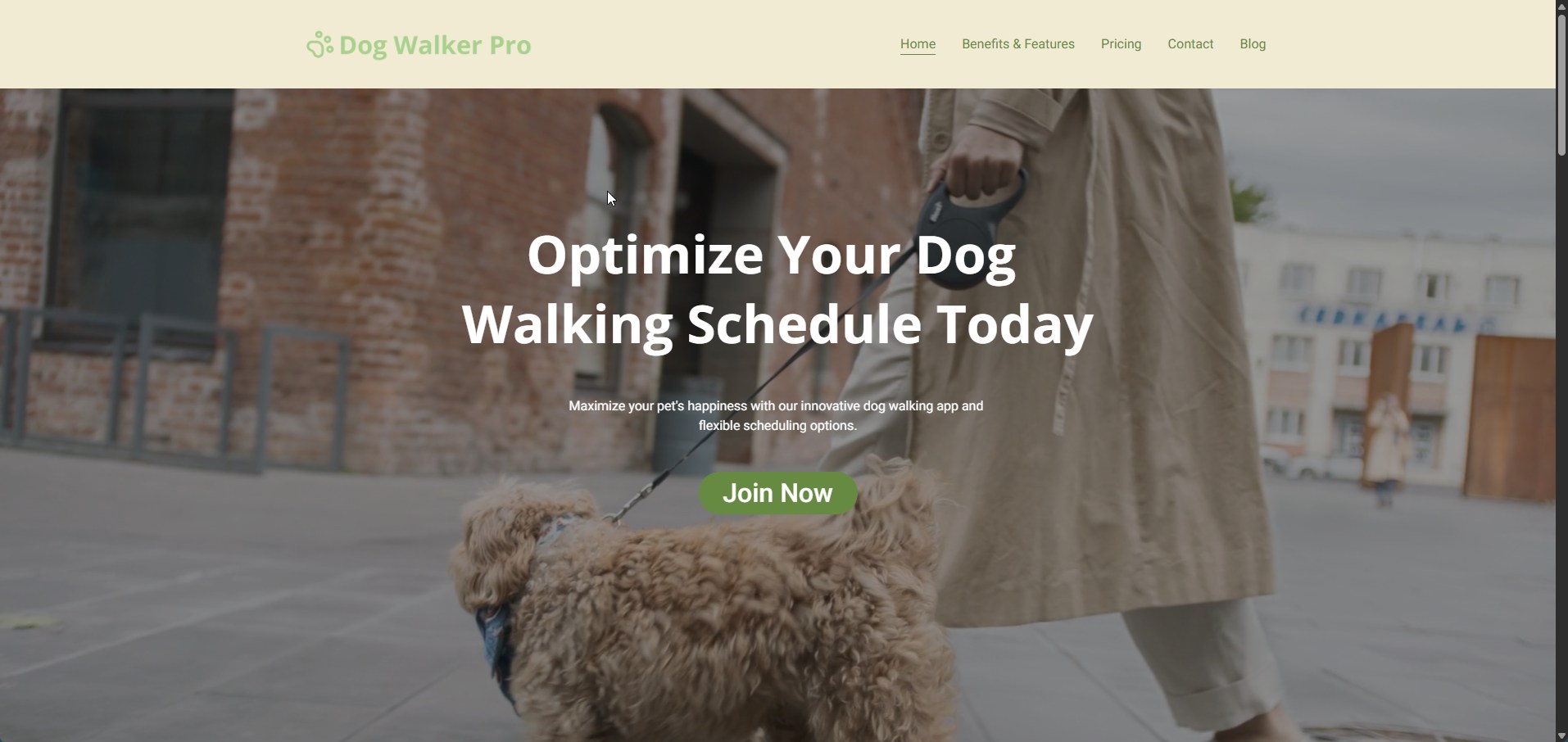
The newsletter also features popular, created, and curated content, as well as occasional updates on tools being used or evaluated, and the Cada Global applications, GetRiskManager, the Strategic Analysis Toolkit, DogWalkerPro, MealPlanGenius and the Local Weather Chrome Extension.
Please share this information with others if you feel they would benefit from it.
You can also read this and previous newsletters; others can subscribe by following the subscribe link below.
This Month
This Issue's Lead Article: Meet NotebookLM: AI That Only Reads What You Give It
From our Blogs: Year One Survival: Frameworks Every Founder Needs
From other Blogs (Worth Reading): The 7-Step Guide to Better Healthcare SEO

Meet NotebookLM: AI That Only Reads What You Give It
Imagine having an assistant who has read every document you’ve ever given them, and can only ever tell you things based on those documents

If you’ve never heard of NotebookLM, you’re not alone, but that situation is beginning to change. Google’s AI-powered research tool has quietly become one of the most useful and genuinely trustworthy AI products available today. Unlike many AI tools that seem overwhelming or futuristic, NotebookLM is easy to use and instantly practical.
This article will walk you through exactly what it is, why people love it, and how it connects to tools you may already use every day.
So, What Is It?
It’s An AI That Stays in Its Lane
Most AI chatbots, like ChatGPT, Gemini, or others, draw from a vast pool of internet knowledge to answer your questions. That’s powerful, but it can also mean you receive confident-sounding answers that aren’t fully accurate.
NotebookLM operates differently.
You provide it with your documents, PDFs, Docs, YouTube videos, websites, notes, audio files, and eBooks, and it solely uses these sources to answer your questions. Every reply includes a citation linking back to the exact passage it referenced. You can verify everything instantly.
NotebookLM rarely fabricates information from the wider internet.
It processes your materials and responds solely based on what you’ve uploaded, making it much more dependable for research, study, and work than a typical chatbot.
Think of it as giving a very clever colleague a pile of reports and telling them “read all of these, then answer my questions.” They won’t go off and invent facts from elsewhere; they’ll work from what you’ve given them.
Core Features
What Can It Actually Do?
Beyond asking questions, NotebookLM can convert your source material into a wide range of formats. Here are the key features:
Audio Overviews
Transform any collection of documents into a conversational, podcast-style discussion between two AI hosts, ideal for learning while on the move.
Video Overviews
Create narrated, visual slide-style videos from your sources, featuring diagrams, animations, and organised explanations.
Mind Maps
Explore connections between topics using an interactive visual map with multiple layers of detail you can delve into.
Slide Decks & Infographics
Create polished presentations or visual infographics from your uploaded content, no design skills required.
Flashcards
Generate study flashcards directly from your notes or research papers, based entirely on your own material.
Smart Chat
Pose nuanced questions, receive detailed answers with citations, and sustain a long conversation memory across sessions.
And more…
The free version allows up to 50 sources per notebook, with each source containing up to 500,000 words. For most people, students, small business owners, hobbyist researchers, that’s more than sufficient.
Who is it For?
One of NotebookLM’s greatest advantages is how quickly you can get started. You create a notebook, add some documents or paste in web links, and begin asking questions in plain English. There’s no coding, no complicated setup, and no steep learning curve.
Here’s a taste of how different people are using it:
Small business owners develop internal knowledge bases from their manuals and FAQs. New staff can ask questions and receive accurate, sourced answers without needing to bother a manager
Professionals submit lengthy reports, legal documents, or policy files and request executive summaries and key metrics, reducing 200 pages into a five-minute briefing
Students upload lecture notes and textbooks, then request study guides, quiz questions, and summaries, all cited back to their own course materials. Flashcards can be created in minutes instead of hours
Curious learners of all ages upload articles, YouTube transcripts, or even eBooks and ask NotebookLM to explain complex ideas simply, create timelines, or compare different viewpoints
Connections & Ecosystem
How It Links Up with Gemini and the Rest of Google
Here’s where things get genuinely exciting, especially if you already use Google’s apps. NotebookLM is deeply woven into Google’s broader AI ecosystem, and the connections keep growing.
NotebookLM + Gemini
In early 2026, Google officially introduced a transformative integration: you can now attach your NotebookLM notebooks directly as sources within the Gemini app. This offers the best of both worlds: NotebookLM’s strict, source-based accuracy combined with Gemini’s advanced creative and conversational capabilities. You could utilise Gemini’s Deep Research tool to discover new web information that complements your notebook, use Guided Learning to have Gemini quiz you on your own notes, or attach a notebook to a custom “Gem” (a personalised AI assistant), creating a lasting expert trained on your specific project.
The sources NotebookLM can import already cover the Google ecosystem and more: Google Docs, Google Slides, Google Drive, YouTube Videos, Web URLs, PDFs, Text Files, Audio Files…
For those using Google Workspace, the suite that includes Gmail, Docs, Sheets, and Drive, NotebookLM sits alongside Gemini as a core service. Your company or school’s data protections apply directly. Uploading from Drive is just one click, and notebooks can be shared with team members for collaborative research.
In educational settings, NotebookLM is now integrated with Gemini LTI, a system that allows teachers to embed their notebooks directly into learning platforms, creating interactive, source-grounded study companions for students.
Getting Started
Try It in Five Minutes
All you need is a Google account. Head to notebooklm.google.com, click “New Notebook,” and upload a document, a PDF you’ve been meaning to read, a YouTube video you want to summarise, or a Google Doc you’ve been working on. Then simply start asking questions in the chat panel.
Ask it to summarise, explain a confusing section, create a study guide, or generate an audio overview. You’ll likely be surprised at how quickly it becomes useful. The free tier is genuinely generous, and for most everyday needs, you won’t need to pay a thing.
Begin with a document you are familiar with, as it helps you assess how accurately NotebookLM summarises it.
Then try the Audio Overview feature for a hands-free way to absorb the content.
For large projects, create separate notebooks organised by topic to keep things tidy.
Begin with a document you are familiar with, as it helps you assess how accurately NotebookLM summarises it. Then try the Audio Overview feature for a hands-free way to absorb the content. For large projects, create separate notebooks organised by topic to keep things tidy.
Your uploaded sources remain private unless you decide to share a notebook.
Google does not use your documents to train its AI models. What you upload belongs to you.
Final Thoughts
AI tools often seem powerful but unreliable, NotebookLM takes a different approach: it sacrifices breadth for reliability. It won’t tell you everything, only what’s in the documents you provide. But that limitation is exactly what makes it so valuable. You always know where the answer originates from.
Whether you’re a student preparing for exams, a professional drowning in reports, or simply someone who wants to make better use of the information already in front of you, NotebookLM is worth an hour of your curiosity.
It could potentially become the most useful thing in your toolbox.
Year One Survival: Frameworks Every Founder Needs
The romanticised image of a startup founder is a dangerous trap. It often depicts a visionary who just somehow knows what the market needs, builds a product in a garage, is fueled by caffeine, and wakes up a year later to a billion-dollar valuation.
However...

Year One Survival: Frameworks Every Founder Needs
To find out more, read the full article here.
The 7-Step Guide to Better Healthcare SEO
SEO is a powerful marketing channel for healthcare providers. Use this guide to get found on search.

The 7-Step Guide to Better Healthcare SEO
To find out more, read the full article here.

Strategic Analysis Toolkit
GetRiskManager

DogWalkerPro
MealPlanGenius

Go To Local Weather

1
Reply