- The Cada Global Newsletter
- Posts
- The Sound of Success | Cada Global Newsletter - July 2026
The Sound of Success | Cada Global Newsletter - July 2026
Monthly insights for business leaders and SME owners, covering strategy, risk management, and the tools we build.

Dave Adamson
July 01, 2026


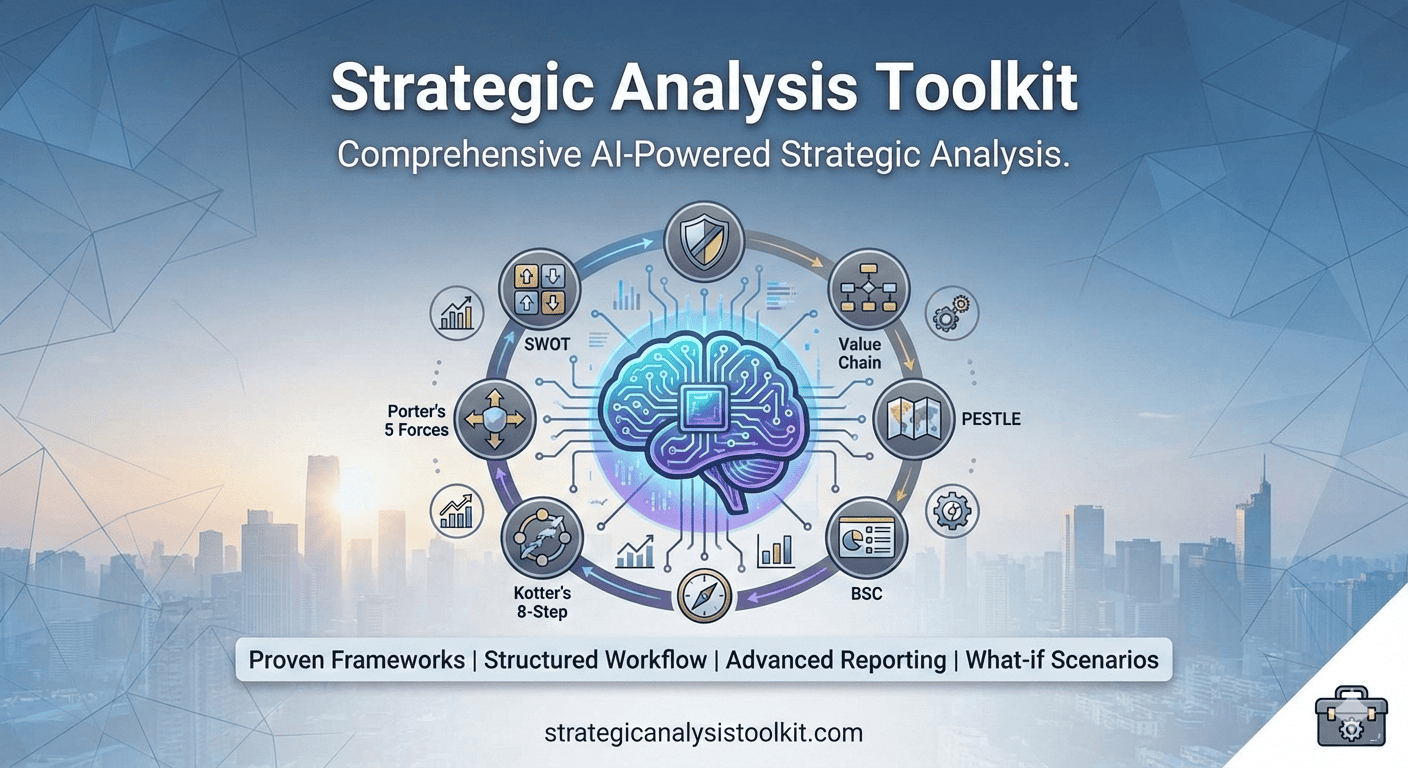
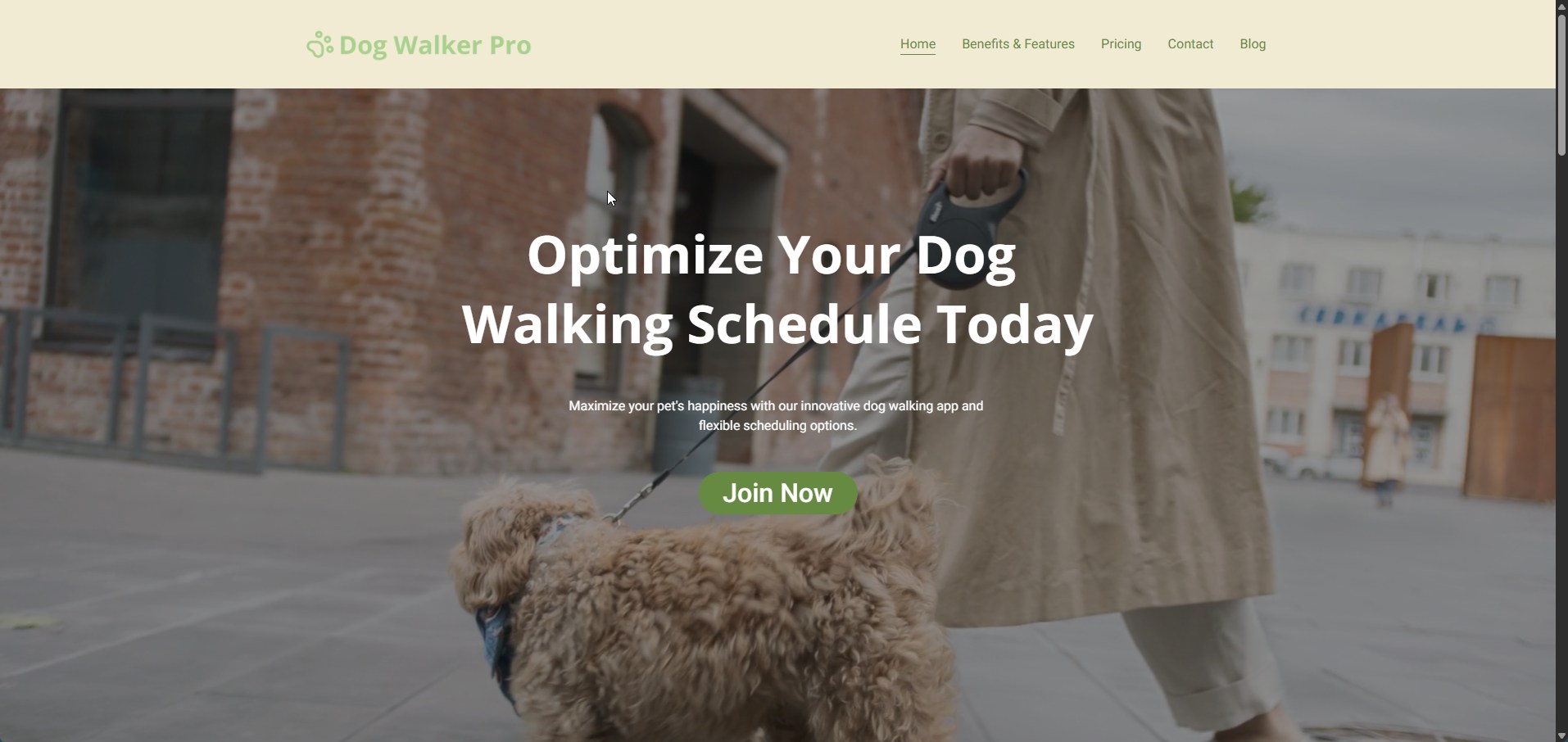
The newsletter also features popular, created, and curated content, as well as occasional updates on tools being used or evaluated, and the Cada Global applications, GetRiskManager, the Strategic Analysis Toolkit, DogWalkerPro, MealPlanGenius and the Local Weather Chrome Extension.
Please share this information with others if you feel they would benefit from it.
You can also read this and previous newsletters; others can subscribe by following the subscribe link below.
This Month
This issue's lead article: The Sound of Success
From our Blogs: What is Risk Management in Software Engineering?
Worth reading from other Blogs (Worth Reading): How Much Does Google Ads Cost?

The Sound of Success
Building the Ultimate Remote Tech Stack for the Hybrid Working World
Picture this: you join a video call. Your slides are polished, your argument watertight. Yet within sixty seconds, a colleague asks you to repeat yourself, a third party complains about the echo, and your authority drains from the room. In the hybrid working era, how you sound is no longer a secondary consideration.
The convergence of sophisticated audio hardware and AI-powered software has, for the first time, placed broadcast-quality presence within reach of anyone willing to invest. This article maps the terrain: from the microphone on your desk to the AI layer running in your headphones, we examine what elevates professional presence and what amounts to expensive window-dressing.
In the hybrid working era, how you sound is no longer a secondary consideration

Why Audio Is the New Handshake
Research shows that cognitive load rises when audio quality degrades (Read More). Listeners who struggle to parse what is being said lose the capacity to evaluate it, a bad outcome for anyone making a case, negotiating a deal, or projecting leadership from a spare bedroom. The heuristic is blunt but reliable: poor audio signals poor preparation.
The pandemic accelerated this reckoning. For two years, remote work normalised a spectrum of audio quality that ranged from the passable to the embarrassing. Now that hybrid arrangements have crystallised into something akin to permanent, those who have not upgraded their setups risk being typecast as residual, people who accepted the constraints of the emergency rather than mastering the medium.
The good news: the investment required is modest.
A thoughtful combination of entry-level condenser microphone, real-time noise-suppression software, and a handful of acoustic adjustments will, in most cases, transform perceived professionalism far beyond what the price tag implies.
The Hardware Layer: What to Buy and Why
The market for USB condenser microphones has matured. Whilst professional recording studios still favour XLR-connected large-diaphragm condensers routed through dedicated preamps, the USB category has evolved to a point where the gap is imperceptible on compressed video-conferencing audio. For the user, this is liberating: no audio interface, no driver headaches, no significant desk real estate surrendered.
Microphones Worth Your Attention
Best Starting Point
Blue Snowball iCE
The Blue Snowball iCE occupies a remarkable niche: it’s inexpensive enough to buy without much deliberation, yet outperforms the built-in microphones of virtually every laptop on the market. Its single cardioid capsule captures a clean, focused signal with natural warmth, and the plug-and-play USB connectivity means zero configuration.
For those who travel between multiple offices and need a consistent, dependable pickup at each location, the Snowball iCE is the sensible, practical choice. Its sole limitation is its lack of gain control and headphone monitoring, minor inconveniences at this price point.
Verdict: The floor, not the ceiling. An excellent starting point (and my current microphone) that leaves room to grow.
Mid-range Sweet Spot
Blue Yeti X
The Blue Yeti X improves the setup in several meaningful ways. Four selectable polar patterns (cardioid, bidirectional, omnidirectional, and stereo) offer genuine versatility; the cardioid setting suits solo calls, whilst omnidirectional can capture small in-person roundtables without repositioning. The onboard LED metering and gain control reduce dependence on software mixing. The built-in headphone output with zero-latency monitoring allows you to hear exactly how you sound in real time; a discipline that improves delivery.
At roughly three times the price of the Snowball iCE, the Yeti X is the appropriate upgrade for those who are on calls for more than a couple of hours per day and/or have different styloes of meetings, e.g. roundtables, etc.
Verdict: The most complete single-device solution for most home-office configurations.
Shure MV7+
Shure's broadcast heritage is evident in the MV7+, a dynamic microphone that rejects off-axis sound that condenser designs cannot match. In open-plan spaces, shared offices, or rooms with significant background noise, this characteristic is transformative.
The accompanying application offers EQ, compression, and a limiter; professional-grade signal processing that many will never touch, but which provides meaningful headroom when circumstances demand it.
The MV7+ also connects via both USB-C and XLR, future-proofing the investment should your setup evolve.
Verdict: The professional's choice for noisy or acoustically untreated environments.
The Room Matters More Than the Microphone
No microphone, however capable, can compensate for a room that sounds like a car park. Before spending on hardware, consider four inexpensive acoustic interventions: position your microphone six to ten inches from your mouth rather than leaving it flat on the desk; close the door; ensure there are soft furnishings, a sofa, curtains, and a bookcase in the room rather than bare walls and hard floors; and avoid positioning yourself between two parallel hard surfaces. These changes cost nothing and outperform a microphone upgrade made in an acoustically hostile environment.
No microphone, however capable, can compensate for a room that sounds like a car park.
The Software Layer: AI Comes of Age
Hardware improvements plateau; software improvements compound. The past three years have seen a step-change in the quality of AI-powered audio processing tools, applications that run as virtual audio devices, intercepting your microphone signal before it reaches your video-conferencing platform and returning it, in near-real-time, scrubbed of noise, echo, and the ambient chaos of modern working life.
These tools operate via machine-learning models trained on tens of thousands of hours of human speech and environmental noise. Rather than applying a static filter that removes frequencies below a threshold (which also removes warmth from voices), they learn to distinguish speech from non-speech at a granular level, preserving the natural timbre and dynamics of your voice whilst excising keyboard clicks, air-conditioning hum, a partner's conversation, or next door's lawnmower.
Rather than applying a static filter, AI tools learn to distinguish speech from non-speech at a granular level, preserving your voice whilst excising keyboard clicks, air-conditioning hum, or next door's lawnmower.
Software Picks
Noise Suppression
Krisp AI
Krisp remains the benchmark against which other noise-suppression tools are measured, and its dominance is deserved. The application processes audio locally, meaning your voice signal never leaves your device, and its bidirectional noise cancellation removes background noise from both your microphone feed and the incoming audio from other participants. The latter capability is particularly underrated: it ensures you hear others clearly even when their environments are noisy, reducing cognitive fatigue over long calls.
A free tier trial is available and the Core plan, adds unlimited usage and meeting transcription.
Verdict: The default (and my) choice. Install it first and evaluate everything else against it.
Voice Enhancement
NVIDIA RTX Voice / Broadcast
For those with a recent NVIDIA graphics card, RTX Voice (integrated into NVIDIA Broadcast) leverages dedicated AI processing hardware on the GPU, offloading the computational work from the CPU and delivering noise removal that performs credibly even on demanding workloads. The room-virtualisation and virtual background features are secondary benefits; the audio processing is the headline.
If you already own compatible hardware, this represents exceptional value; the software is free. For those who do not, it’s not a compelling reason to upgrade.
Verdict: Outstanding if you have compatible hardware; irrelevant if you do not.
Full Audio Control
Adobe Enhance Speech
Adobe's Enhance Speech occupies a different category to Krisp and RTX Voice: it’s not a live processing tool but a post-processing service for recorded audio. Upload a recording, a podcast episode, a video narration, a presentation voiceover, and the model enhances it to broadcast quality, removing noise, correcting proximity distortion, and evening out level variation. For anyone who produces recorded content alongside their live communications, Enhance Speech is revelatory.
The free tier allows limited monthly processing; paid plans are available through Adobe Creative Cloud.
Verdict: Not for live calls, but the best single tool for recorded content.
Meeting Intelligence
Otter.ai
Otter.ai represents the intelligence layer that sits above noise suppression. Its AI transcribes meetings in real time, identifies speakers, extracts action items, and surfaces summaries, turning the audio signal you have worked to optimise into structured, searchable organisational knowledge. The integration with Zoom, Microsoft Teams, and Google Meet is seamless, and the recent addition of AI-generated meeting summaries has reduced the friction of post-call follow-up.
For those managing fifteen or more meetings per week, the productivity recapture justifies the subscription many times over.
Verdict: The logical extension of audio optimisation into knowledge management.
The Supporting Cast: Headphones and Camera
A dedicated microphone paired with AI noise suppression addresses the most critical element of professional presence, but two supporting investments compound the return.
Headphones
Wireless over-ear headphones with active noise cancellation (ANC) serve a dual purpose: they eliminate the distraction of your environment and, by keeping audio private, prevent the sound bleed that causes echo on calls.
The Sony WH-1000XM5 and the Bose QuietComfort 45 are the established benchmarks in the category; both offer excellent ANC, comfortable extended wear, and call-quality microphones sufficient for informal conversations.
For the more budget-minded, consider the Soundcore Q20 or Q30 series (I’m using the Q20 and find them great quailty and value).
For formal calls, the dedicated microphone on your desk remains preferable; use the headphones for focus work and listening.
Webcam
Whilst audio quality has a more significant impact on perceived competence, video quality completes the picture.
The Logitech Brio 4K is the default recommendation: its large sensor, capable low-light performance, and HDR processing produce a more flattering and professional image than the built-in cameras on most laptops, even those marketed as HD. Place it at eye level, mounted on a monitor arm or an external screen, and ensure the primary light source is in front of you rather than behind. These positioning basics, combined with a halfway-decent camera, will place you in the upper quartile of video-call presenters.
On a tighter budget? Try the Logitech C920 webcam, it’s a budget-friendly webcam perfect for general video conferencing.
Feeling flush? Then the Sony ZV-E10 is an entry-level, APS-C mirrorless camera specifically built for vloggers and content creators.
Building Your Stack: Three Configurations
The following configurations are designed for different use cases and budgets. Each represents a coherent combination rather than a collection of impressive components.
Base ~£150
Blue Snowball iCE
Krisp AI Core
Logitech C920 webcam
Soundcore Q20 or Q30 series
Professional ~£400
Blue Yeti X
Krisp AI Core
Logitech Brio 4K
Sony WH-1000XM5
Shure MV7+
Krisp AI Pro + Otter.ai
Sony ZV-E10 mirrorless
Bose QuietComfort 45
Beyond the Kit: The Behaviours That Complete the Picture
Hardware and software are necessary but not sufficient. Those who need to project authority on calls combine technical preparation with a handful of deliberate behaviours that no piece of kit can replicate.
Test before every important call. Join five minutes early and ask a colleague to confirm your audio is clean. Reviewing a recording of yourself, however uncomfortable, identifies issues no amount of equipment investment will surface
Manage your environment before the meeting. Close windows, silence notifications, and inform others in your space that you are on a call. AI noise suppression is a safety net, not an excuse for a chaotic environment
Speak into your microphone. Position it correctly, avoid turning away from it when speaking, and resist the temptation to eat or drink on calls unless the format permits it
Monitor your stack. Krisp and similar tools indicate whether noise suppression is engaged. Glance at the indicator before major calls. Software updates, driver conflicts, and platform changes can deactivate processing. Know your system's status
The Bottom Line
This sound tech stack is not a luxury reserved for those with dedicated studio spaces and IT support teams. Even using a Blue Snowball iCE and a Krisp account, will elevate the professional presence of the vast majority within thirty minutes of unpacking.
The premium configurations represent a genuine further step forward, but the return on that marginal investment is lower, and the law of diminishing returns applies above a certain threshold.
What does not diminish is the strategic value of the underlying discipline: treating how you communicate as seriously as what you communicate.
In a hybrid world, the meeting room is wherever you are. Make sure it sounds like it.
Notes: All total costs are approximate as of June 2026. Availability may vary by region. This article is an independent editorial, no manufacturers or vendors were involved in its production.
What is Risk Management in Software Engineering?
Risk management in software engineering is a proactive safety net that identifies, analyses, and manages potential bottlenecks, such as unexpected bugs or unrealistic deadlines, before they derail your product roadmap. By evaluating threats and establishing clear mitigation plans, development teams can avoid costly project failures and ensure a smooth, predictable launch. Don't let your next release be derailed by unexpected crises: [Explore GetRiskManager today] to safeguard your engineering roadmap and guarantee project success.

What is Risk Management in Software Engineering?
To find out more, read the full article here.
How Much Does Google Ads Cost?
The cost of Google Ads is customisable and varies by industry, but the overall average cost per click (CPC) on the Search Network sits at $5.42, while the average cost per lead (CPL) is $66.69. Because Google ranks ads using a combination of your maximum bid and your Quality Score (relevance and page experience), you don't have to spend millions to win top spots, with most small-to-medium businesses budgeting $1,000 to $2,500 per month. If you want to stop wasting your ad spend and discover exactly how to optimise your budget for the best return on investment, [check out WordStream's full Google Ads cost guide] to unlock the latest industry benchmarks and maximise your ROI.

How Much Does Google Ads Cost?
To find out more, read the full article here.

Strategic Analysis Toolkit
GetRiskManager

DogWalkerPro
MealPlanGenius

Go To Local Weather

1
Reply